Skip to content
SCALE

SCALE · Architecture & design

What Working With SCALE Looks Like

What Working With SCALE Looks Like

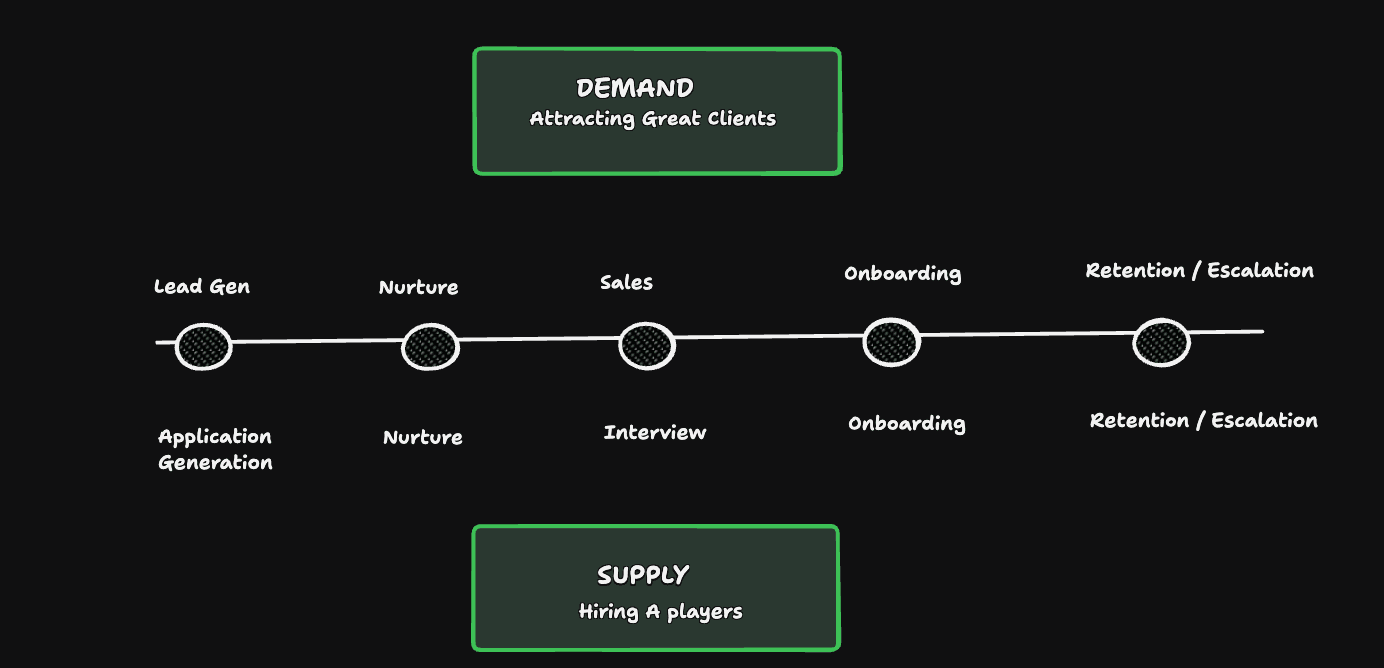
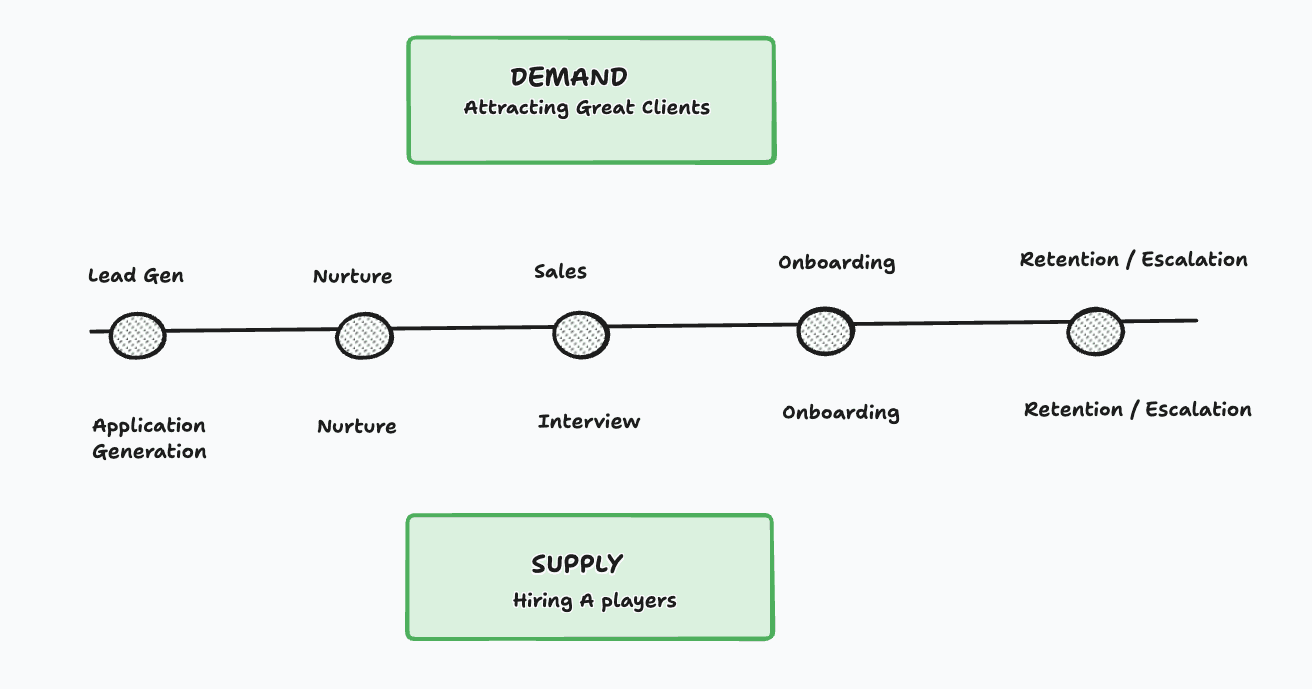
Dark SCALE system overview connecting demand and supply across the client journey
1 / 2
DEMANDAttracting Great Clients
  1. Lead GenApplication Generation
  2. NurtureNurture
  3. SalesInterview
  4. OnboardingOnboarding
  5. Retention / EscalationRetention / Escalation
SUPPLYHiring A players

How SCALE Builds Your Acquisition System

Objective

The SCALE Acquisition System gives architecture and design firms a consistent way to attract new project opportunities without depending entirely on referrals.

We research the market, decide who you should target, build the campaigns, create the qualification process and organise every enquiry inside one CRM. Your team receives a working system for generating and nurturing opportunities while we continue improving it each week.

Step 01

Research & Positioning

Decide What We Are Taking to Market

Before creating advertisements, we need to understand what your firm does well, who is most likely to value it and which service we want to promote.

  1. Review your services, past projects and existing marketing to understand what we have to work with.
  2. Sit with you and extract the knowledge, experience and thinking that make your firm valuable.
  3. Research your market, competitors and potential clients.
  4. Identify the strongest one or two client profiles for your firm.
  5. Choose the service, project type and location to promote together.
  6. Define what makes an enquiry relevant to your firm.
  7. Turn the research into clear positioning and a central campaign idea.
Step 02

Campaign & System Build

Build Everything Required to Generate Enquiries

Once the direction is clear, we turn it into a complete acquisition system. Your team does not need to coordinate separate writers, designers, advertisers and software providers.

  1. Write the advertising copy and headlines.
  2. Develop the campaign angles and creative direction.
  3. Write video scripts when they are required.
  4. Design the static advertisements.
  5. Turn the raw video footage supplied by your team into finished campaign assets.
  6. Create the lead qualification form.
  7. Build the advertising campaigns.
  8. Set up the audiences, locations and budget based on the agreed direction.
  9. Build the CRM pipeline and lead stages.
  10. Connect the forms, campaigns, notifications and automations.
Step 03

Launch & Opportunity Generation

Take the Campaign to Market

The campaign goes live and starts bringing enquiries into the CRM. We then use real market responses to understand what is attracting the right people and what needs to change.

  1. Launch the campaign in the agreed locations.
  2. Capture every enquiry and qualification response.
  3. Organise new leads inside the CRM.
  4. Review which enquiries match the agreed criteria.
  5. Monitor campaign performance and lead quality.
  6. Test new messages, creatives and audiences.
  7. Improve the campaign using the results.
  8. Recommend and apply budget increases when the campaign is ready to scale.
  9. Adapt the service, location or audience when you want to enter a different market.
Step 04

Nurture & Optimisation

Make Sure Good Opportunities Are Not Lost

Generating an enquiry is only the beginning. The next step is making sure somebody responds, follows up and moves the right people towards a real conversation.

  1. Create the process your team will use to respond to new enquiries.
  2. Write the WhatsApp, SMS and email messages.
  3. Set up automated follow-up where it is useful.
  4. Define the manual follow-up process together.
  5. Train the person on your team who will handle the leads.
  6. Provide qualification questions and conversation templates.
  7. Help your team identify genuine project opportunities.
  8. Your team uses the process to move relevant opportunities towards a meeting.
  9. Review where people are being lost in the process.
  10. Improve response time, qualification and follow-up.
  11. Continue optimising the campaigns and CRM every week.

Your team is responsible for responding to opportunities, conducting sales meetings, sending proposals and closing the project. We provide the system, training and ongoing support required to help you do it properly.

The Osiris Bonus

Weekly Strategy & Problem Solving

Every week, you receive a one-hour working session with Osiris.

This is not another campaign-reporting call. We use the time to look at what is actually stopping the business from moving forward and decide what needs to happen next.

  1. Review campaign performance and lead quality with you.
  2. Solve problems inside the acquisition process.
  3. Improve lead handling and sales conversations with you.
  4. Review messages, calls, follow-ups and proposals together.
  5. Strengthen the offer and positioning.
  6. Diagnose hiring or capacity problems created by growth.
  7. Build practical systems around the immediate bottleneck.
  8. Decide what your team should focus on before the next session.

Our partners

Who We’re Building With

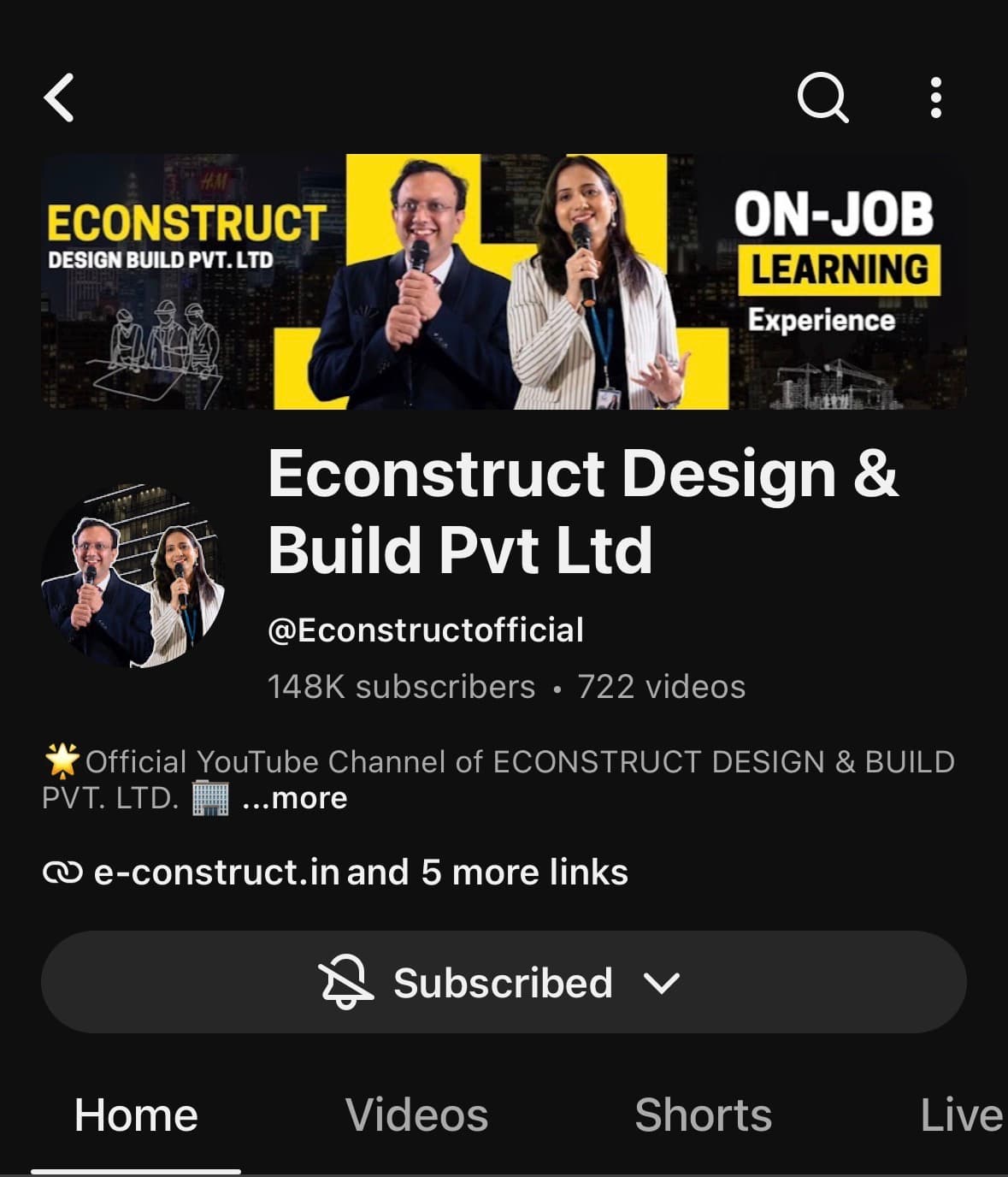
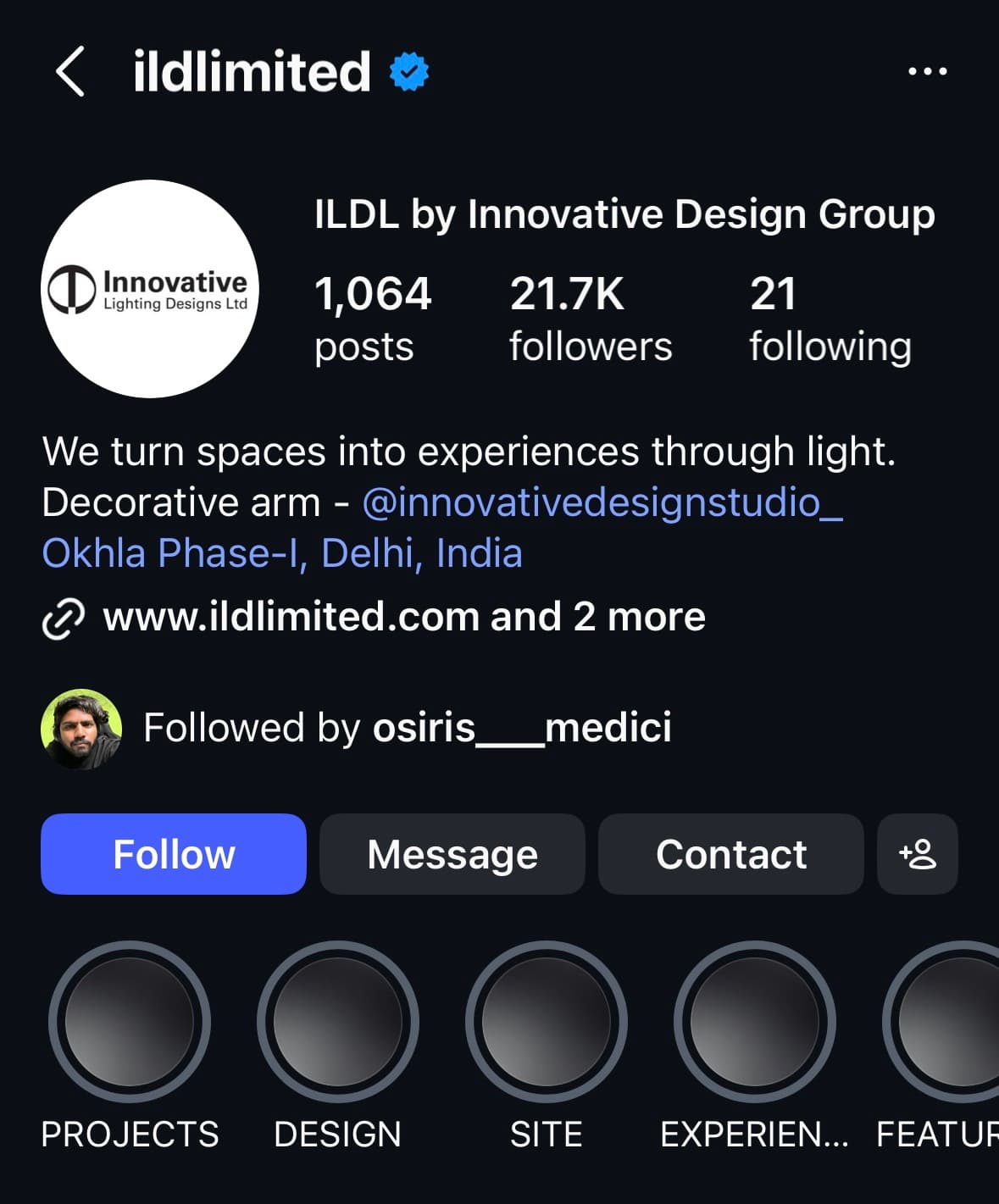
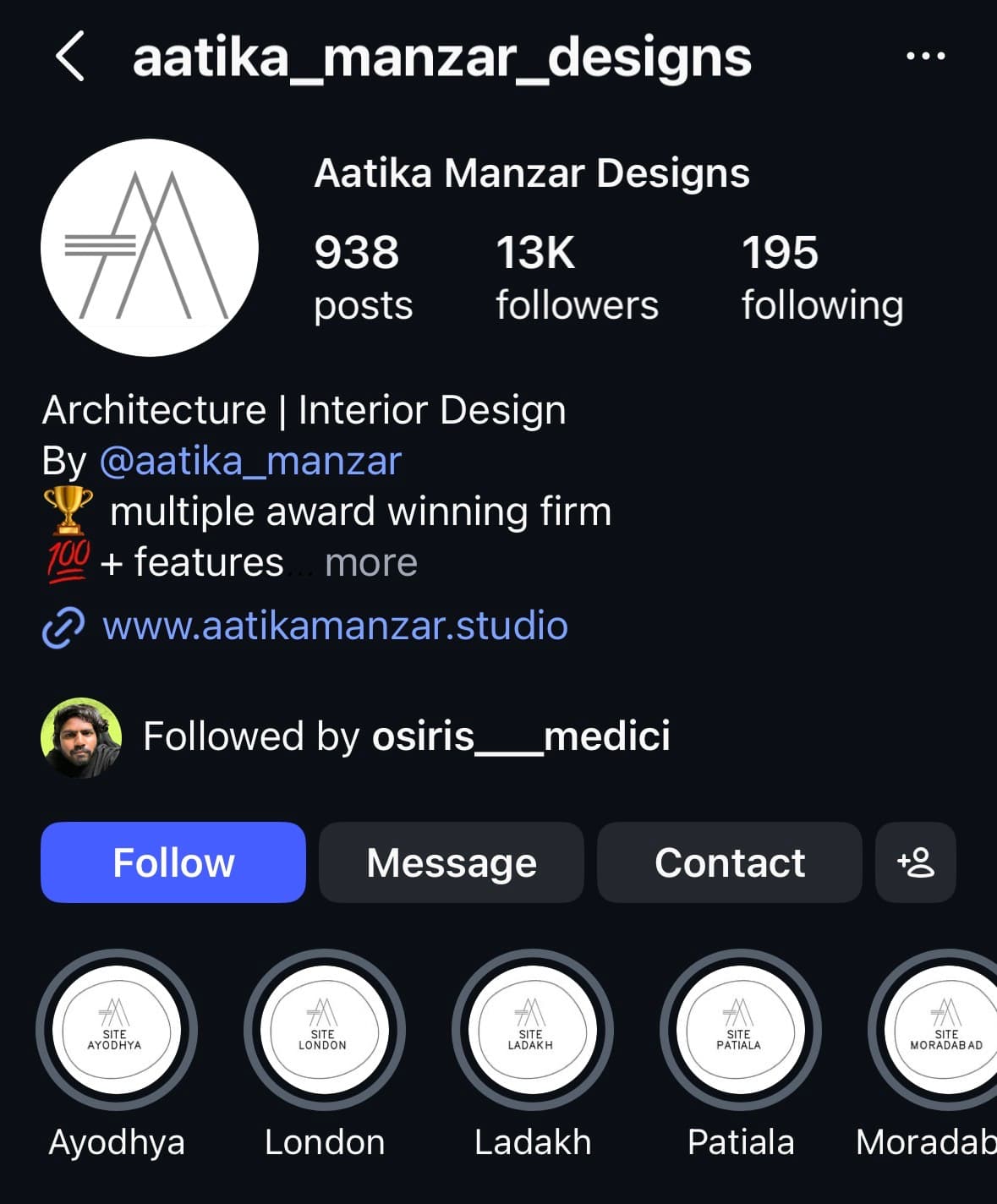
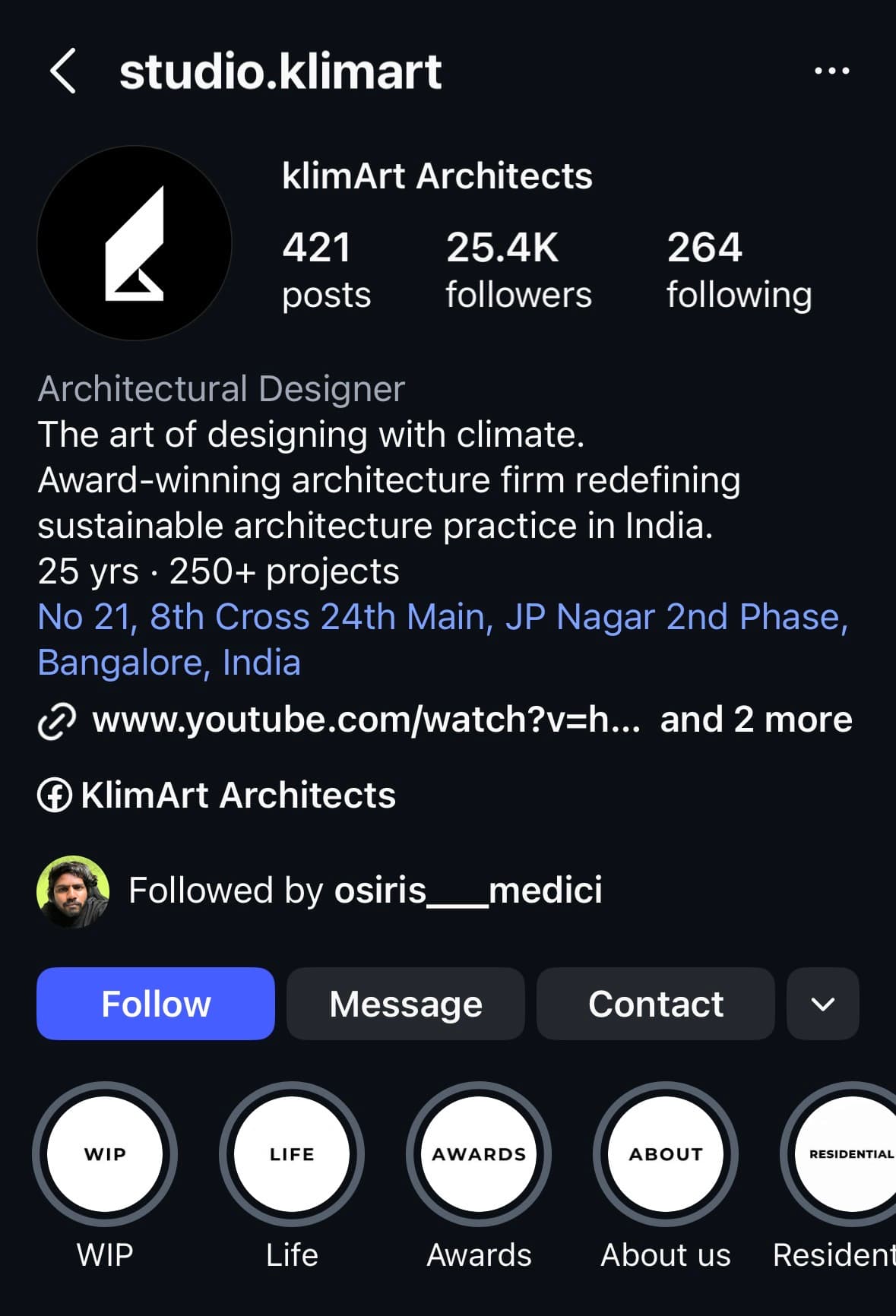
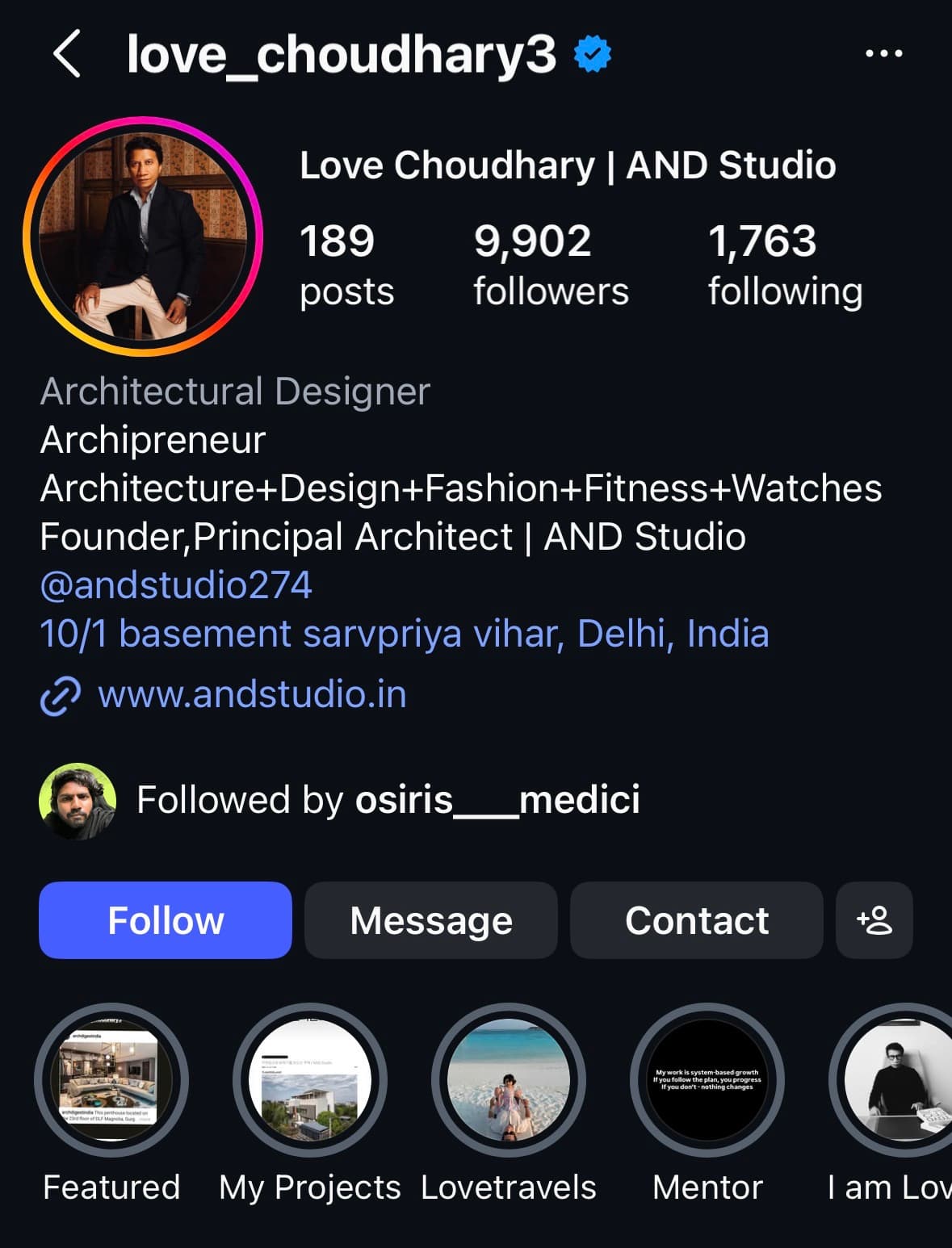
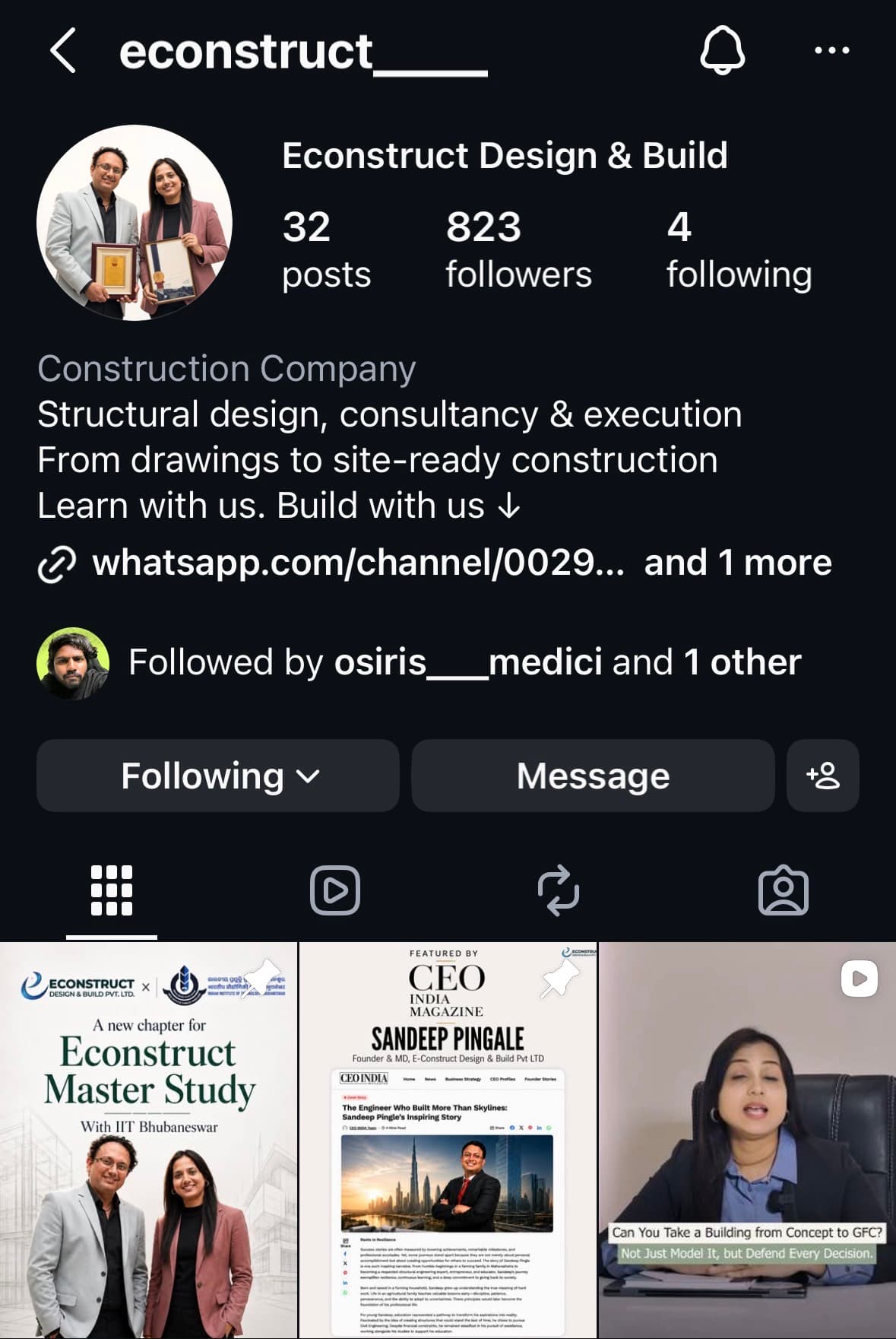
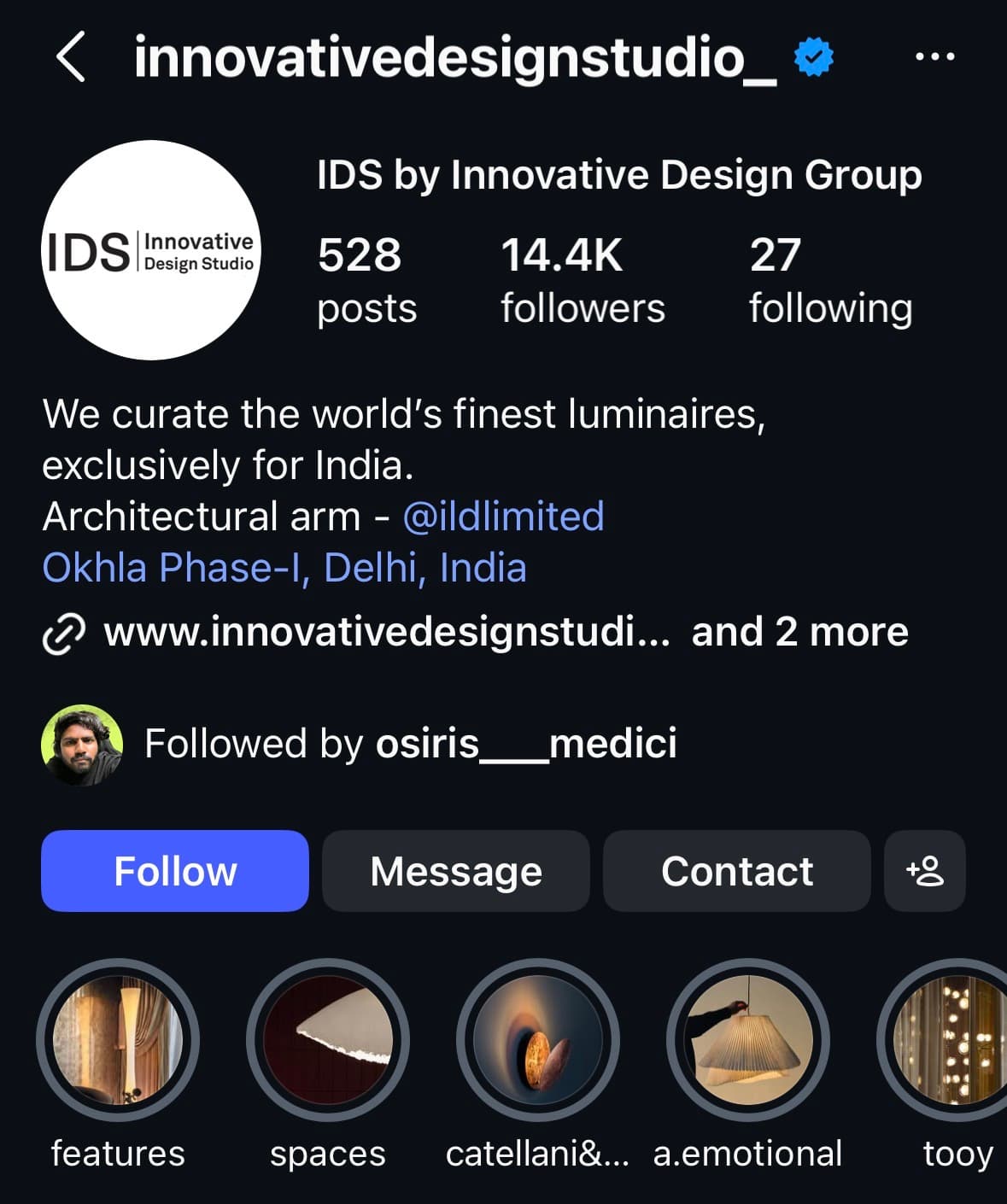
Over the last four years, SCALE has focused entirely on the architecture and design market. Including the Indian partners featured below, we have worked with 23 architecture and design firms across USA & INDIAN markets, giving us a close understanding of how these firms attract, qualify and win new projects. These are the partners we are building with today.

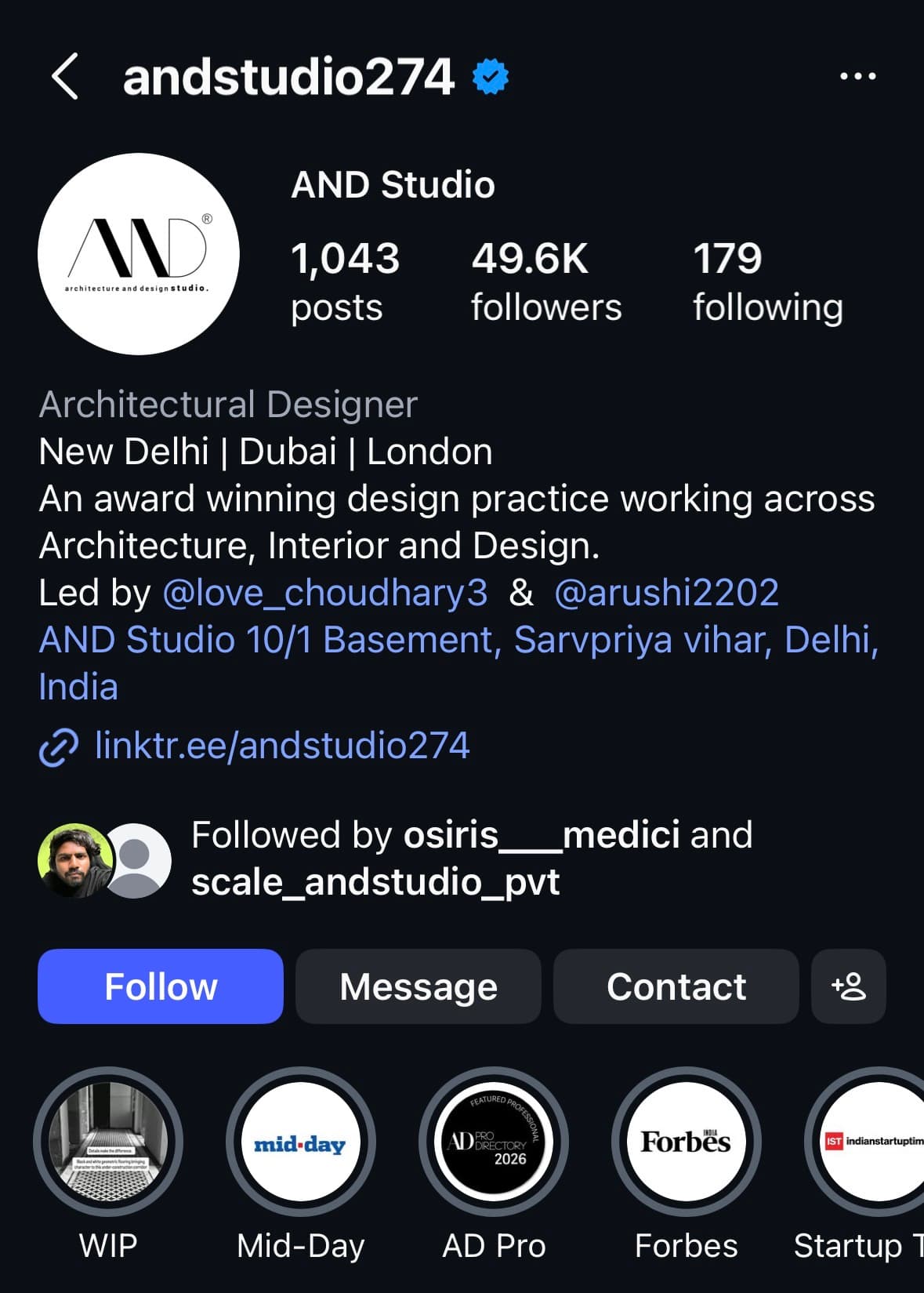
Instagram profile for AND StudioYouTube profile for Econstruct Design and BuildInstagram profile for Innovative Lighting DesignsInstagram profile for Aatika Manzar DesignsInstagram profile for KlimArt ArchitectsInstagram profile for Love Choudhary, founder and principal architect at AND StudioInstagram profile for Econstruct Design and BuildInstagram profile for Innovative Design Studio

Your next step

Let’s map this process for your firm

Choose a time below and we’ll discuss your goals, your current acquisition process, and what this partnership would look like for your firm.

Continue the Conversation

Calendar not loading? Open the booking calendar.

SCALE

© 2026 SCALE. All rights reserved.